Renaming Layers
Changing the name of a Layer
You can rename most Layers. Be aware, this change will affect all users in your company project, and you may not have permission to rename some Layers.
If a Layer is used in the Analysis module, such as a Prioritisation Layer used for a Works Plan, renaming the Layer won't affect the Works Plan.
To rename a Layer:
-
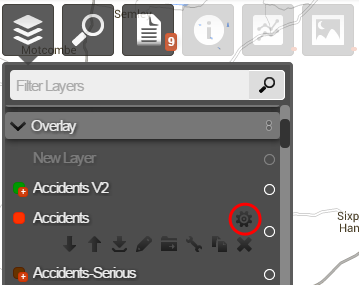
Select the top Layers icon. In the dropdown, open the folder containing the relevant Layer.
-
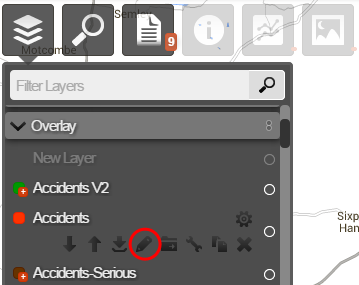
Hover over the Layer, select its Options icon, and then select the Rename Layer icon that appears below it.
-
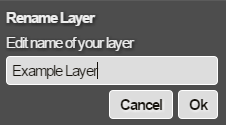
Enter the new Layer name and select OK.