SCRIM Prioritisation Model
Identify skid-risk sites from survey and accident data
SCRIM (Sideway-force Coefficient Routine Investigation Machine) surveys measure the wet skidding resistance of a road surface.
The SCRIM Prioritisation Model scores each carriageway site (typically the CL1 lanes of A roads). Each score combines the site's category, recent accident data, texture readings and SCRIM Difference values. Sites can optionally be split into shorter subsections, scored individually. Sites with higher scores are flagged for more detailed investigation. The output is saved as a Layer and the overall score can feed into Analysis.
To generate the model, your company project needs:
-
full coverage of the latest SCANNER survey data
-
full coverage of the latest SCRIM data
-
functional thresholds, including site categories (e.g. B for bends, R for roundabouts, S for straights), configured for your company project by Causeway Support
-
three years of accident data, imported as a Layer with its Date field configured (otherwise the Layer won't be selectable)
Scoring tables
Two of the inputs use fixed scoring tables that are not currently editable. The model combines these scores with the configurable settings described below to produce the final value for each subsection.
SCRIM Difference score
| From | To | Score |
|---|---|---|
| > 0.00 | ≤ 100.00 | 0 |
| > -0.05 | ≤ 0.00 | 1 |
| > -0.10 | ≤ -0.05 | 3 |
| > -0.15 | ≤ -0.10 | 6 |
| ≥ -100.00 | ≤ -0.15 | 12 |
Accident score
| Number of accidents | Score |
|---|---|
| 0 | 0 |
| 1 | 4 |
| 2 | 8 |
| More than 2 | 12 |
Generate a model
-
In the Analysis toolbar, select Parameters. Open the SCRIM Difference folder and select the parameter inside.
-
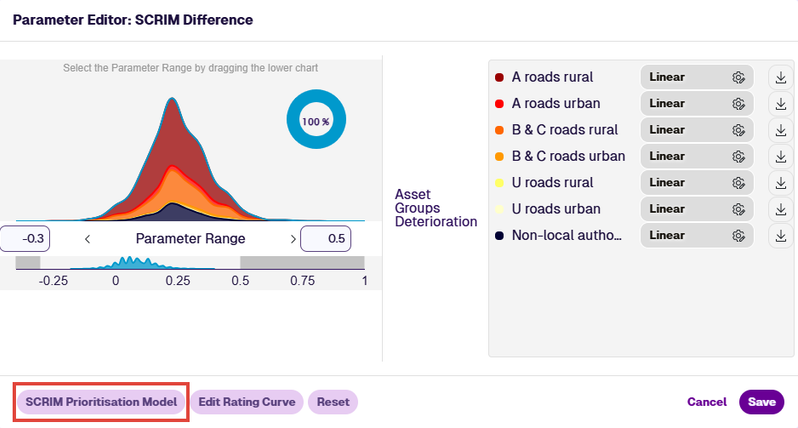
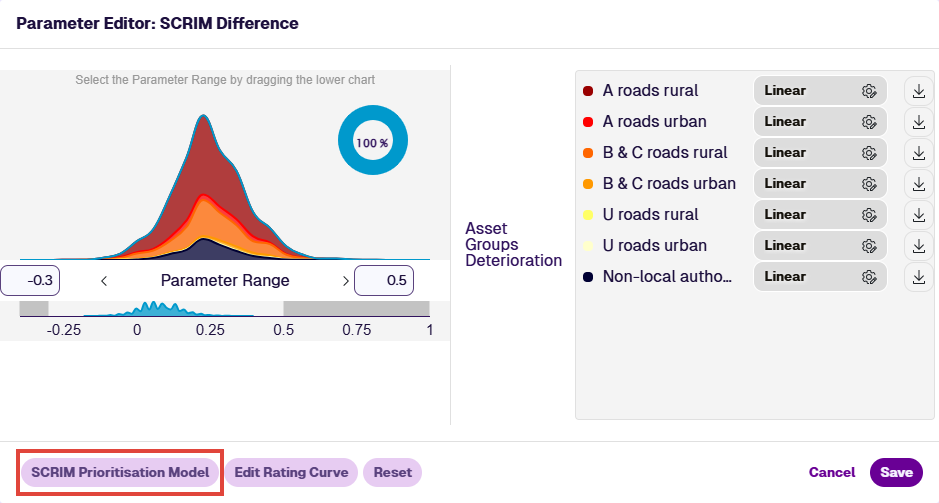
In the Parameter Editor, select SCRIM Prioritisation Model in the bottom-left corner.
-
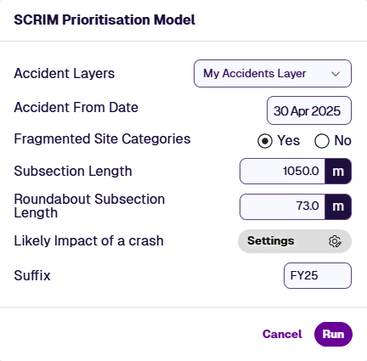
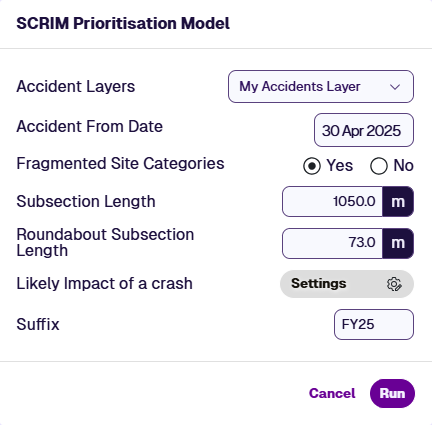
Complete the following fields in the SCRIM Prioritisation Model dialog:
-
Accident Layers * - choose the Layer containing the accident data to use for this model run.
-
Accident From Date * - the date of the earliest accidents to include. Defaults to 3 years before today.
-
Fragmented Site Categories - if enabled (default), the model resamples the SCRIM site categories into shorter subsections, breaking at any change of site category code or Site Investigatory Level (SIL). If disabled, the next two fields are ignored.
-
Subsection Length (m) - the length into which each site is fragmented. Defaults to 100 m. Any short remainder (< 50% of this length) is merged into the preceding subsection.
For example, a 62 m site with a 20 m Subsection Length is split into 0-20, 20-40, 40-62 m. The 2 m remainder is merged into the final subsection.
-
Roundabout Subsection Length (m) - the equivalent length for roundabout sites. Defaults to 10 m. The same short-remainder merge rule applies.
-
-
Likely Impact of a crash - for each Site Category Code in your company project, enter a Likely Impact value (an integer between
1and5). A higher value increases that category's contribution to the final score. -
Suffix - up to 5 characters that uniquely identify this model run. Letters, digits and
_ . : -are allowed. The suffix is appended to both the output Layer name and the resulting SCRIM Score Condition Parameter, so you can keep multiple runs side by side.
-
-
Select Run. A notice confirms that the run has started. You will receive an email when it finishes, indicating whether the model was generated successfully.
ImportantRunning the model again with the same suffix overwrites the previous Layer and Condition Parameter.
View on map
Once complete, the new Layer appears in the SCRIM Scoring Model folder under Layers, identified by the suffix you entered.
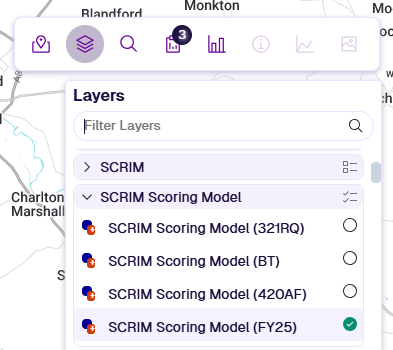
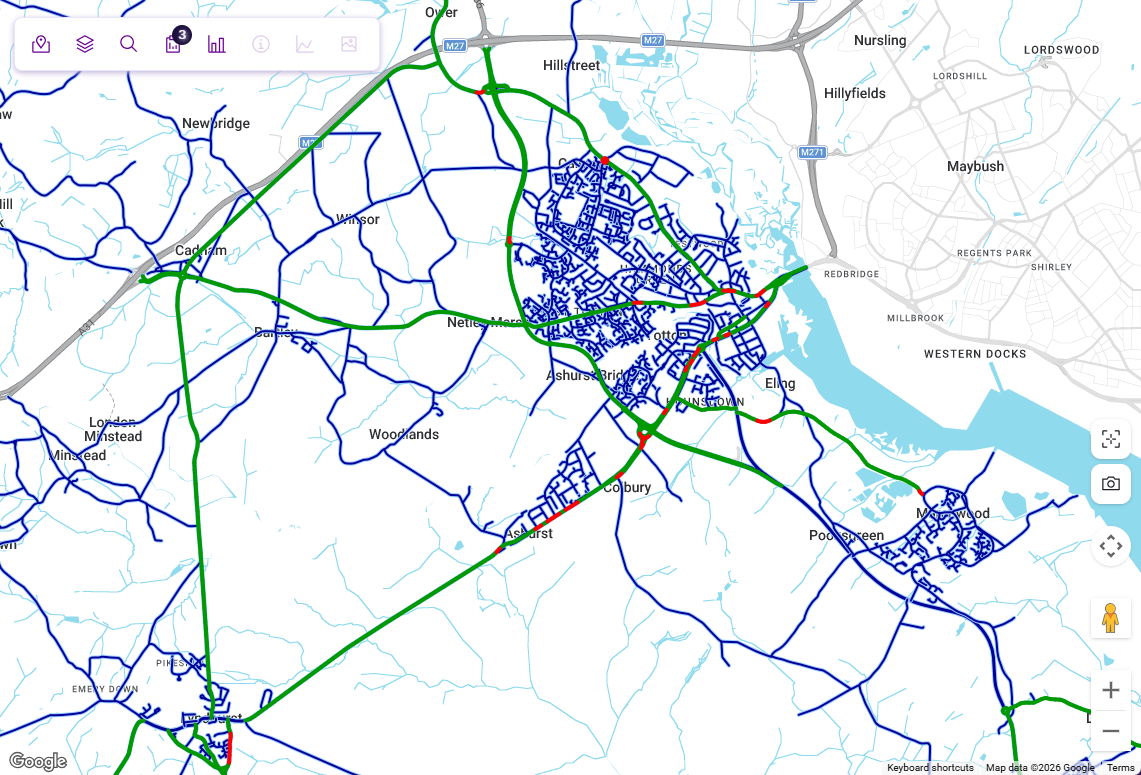
Open the new Layer to see the scored subsections on the map. To change how the scores are coloured or styled, edit the Layer styles. The example below uses the default style colours.
Use in Analysis
Each generated model produces a new Condition Parameter named SCRIM Score [suffix]. Select this Condition Parameter when configuring Strategies, Priorities or Treatment Sets to weight your analysis by SCRIM risk scores.
Until a model has been generated, no SCRIM Score Condition Parameter exists and SCRIM risk does not contribute to Analysis.